
IEEE 9th International Conference on Multimedia Information Processing and Retrieval (MIPR 2026) IEEE MIPR 2026
August 9–11, 2026 | Chatrium Grand Bangkok Hotel, Thailand



Camera-Ready Instructions
Please carefully follow the instructions below to prepare and submit your final camera-ready paper for MIPR 2026.
Address all reviewers’ comments and revise your paper accordingly before submitting the final camera-ready version. For the format, please see the page of Manuscript Templates for Conference Proceedings for the IEEE two-column template instructions. The templates in Word or LaTeX format, or the Overleaf service, are available for use.
Page limit:
Please note that any pages exceeding the limit will incur an extra fee of $150 per extra page, up to a maximum of 2 extra pages. You may purchase up to two additional accepted papers, Regular Papers, at a discount.
All submissions for the MIPR conference will be processed via the IEEE CPS website, not CMT. Authors should follow the template instructions provided in Step 1. Any template links displayed within the CPS system are not required for MIPR 2026 submissions. The submission deadline is June 25, 2026 AoE. The final paper must be converted to PDF to comply with the IEEE Xplore digital library requirements. Please submit your paper through the IEEE CPS Camera-Ready Paper Submission System.
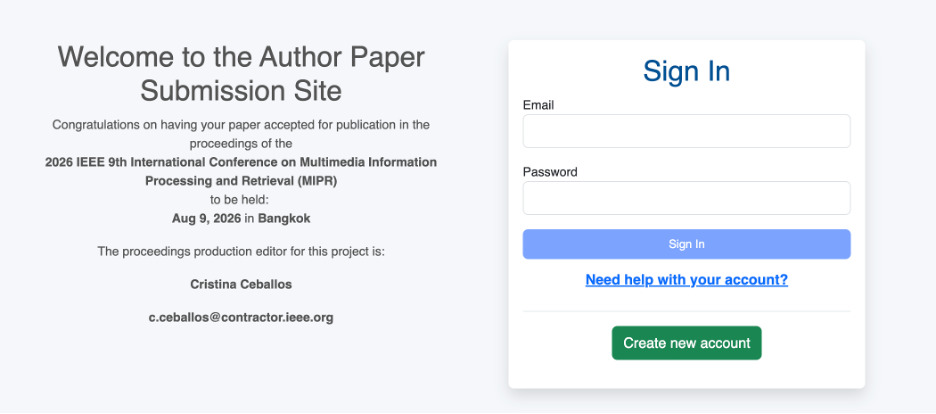
Logging in: If you have previously logged into a CPS author submission site, enter your email address and password. If this is your first time, please sign up by clicking on the “Create new account” tab of the login box.
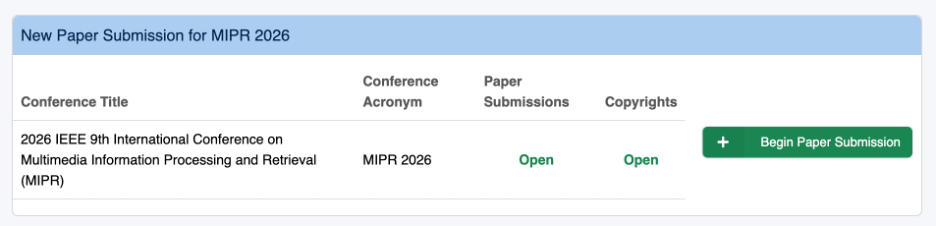
Once you have logged in, you will see the prompt “Begin Paper Submission”. You can also review any previous submissions to this conference, along with other submissions to previous conferences.
Click on “Begin Paper Submission”. The first part of the submission site has information on the assigned CPS editor, paper length limits, due dates, templates, and how to access PDF eXpress. Carefully review all information, then click on the “Paper Validation” menu and access the “IEEE PDF eXpress” website.
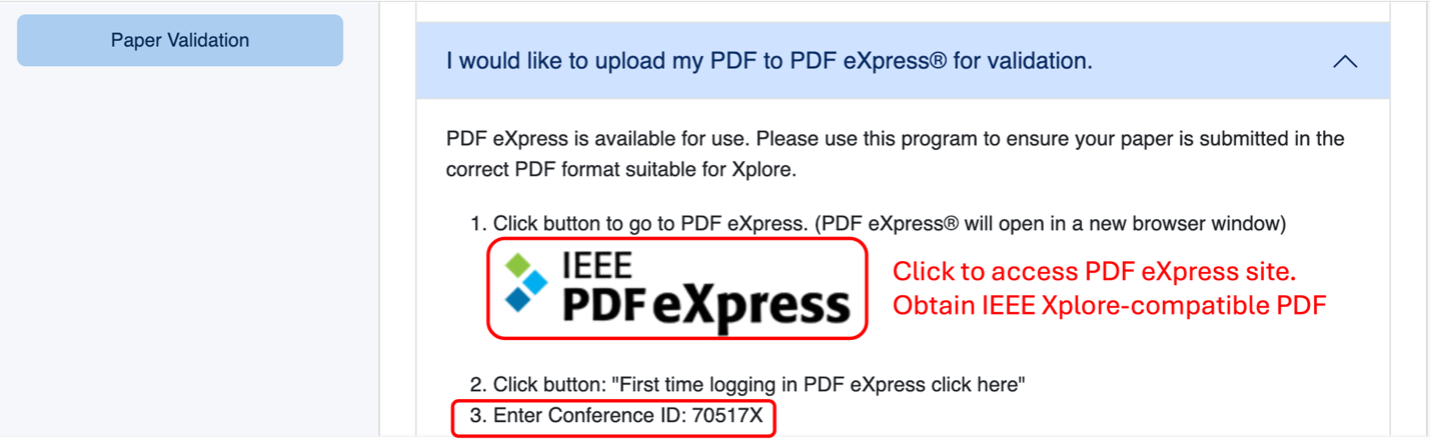
On the IEEE PDF eXpress website, enter the following conference ID: 70517X, and enter your email address and password. If this is your first time, please sign up by clicking on “Create account”.
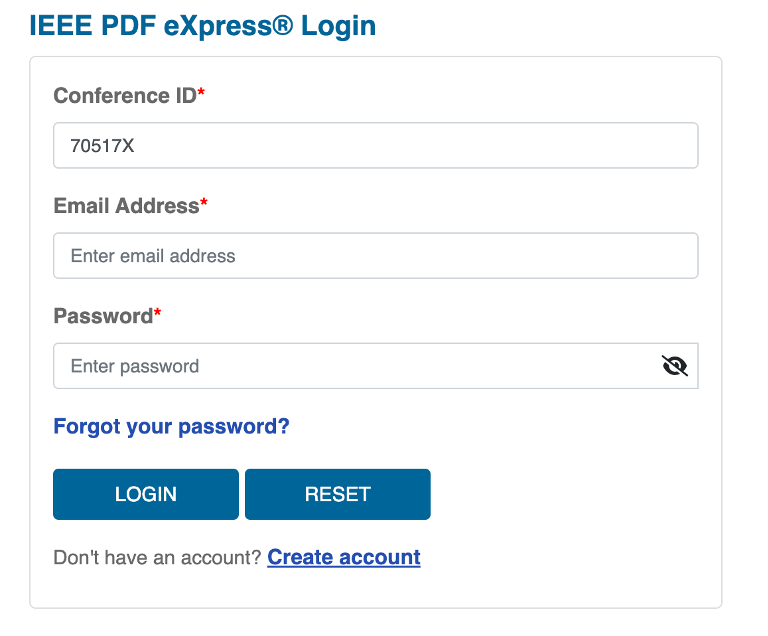
After logging in, please complete the personal information form. Then prepare and upload the source file of your camera-ready paper for conversion. After a few minutes, you will receive the IEEE-Xplore-compatible PDF version of your paper by email.
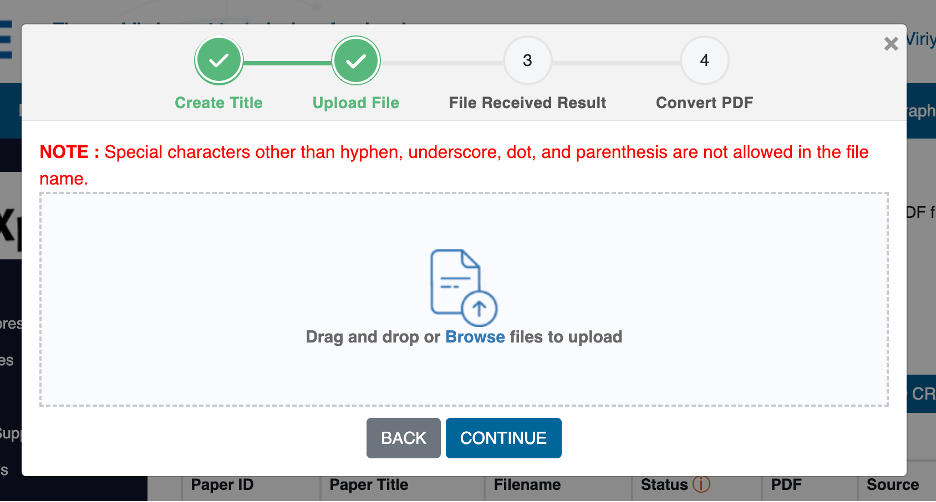
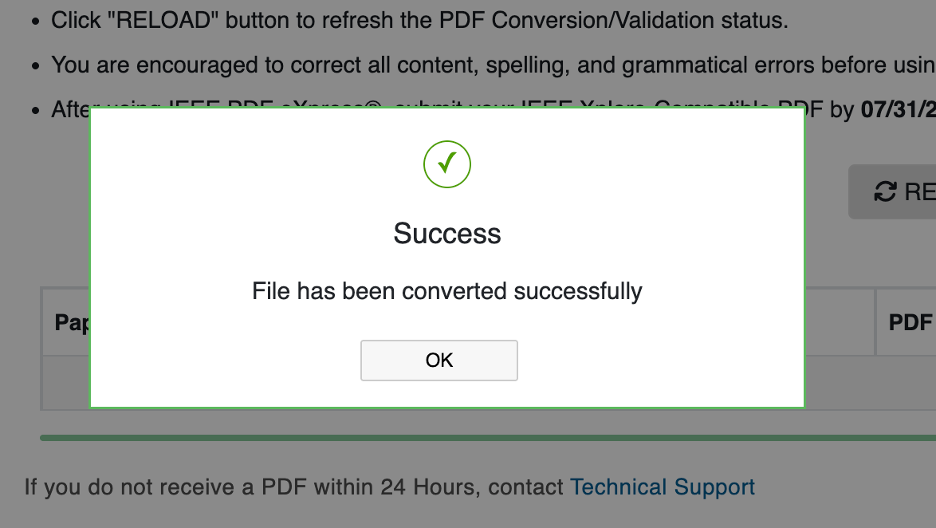
Now you can upload the validated PDF file to the submission system. Come back to the CPS submission website and click on “Next”.
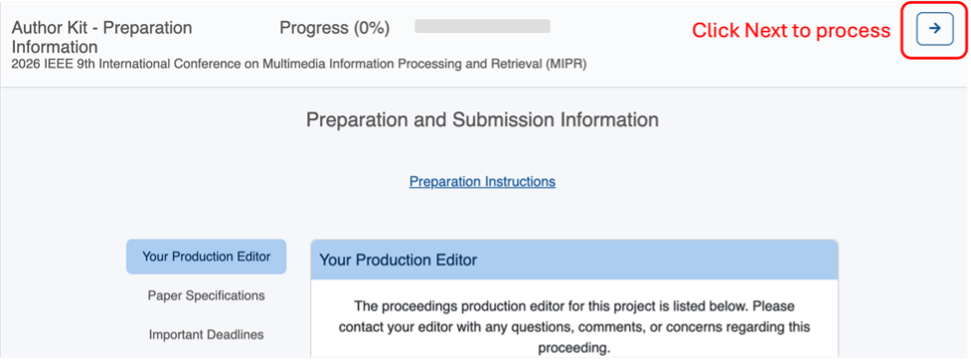
Proceed with paper details, author information, and PDF uploads. Please note that the author list must exactly match the accepted version in CMT.
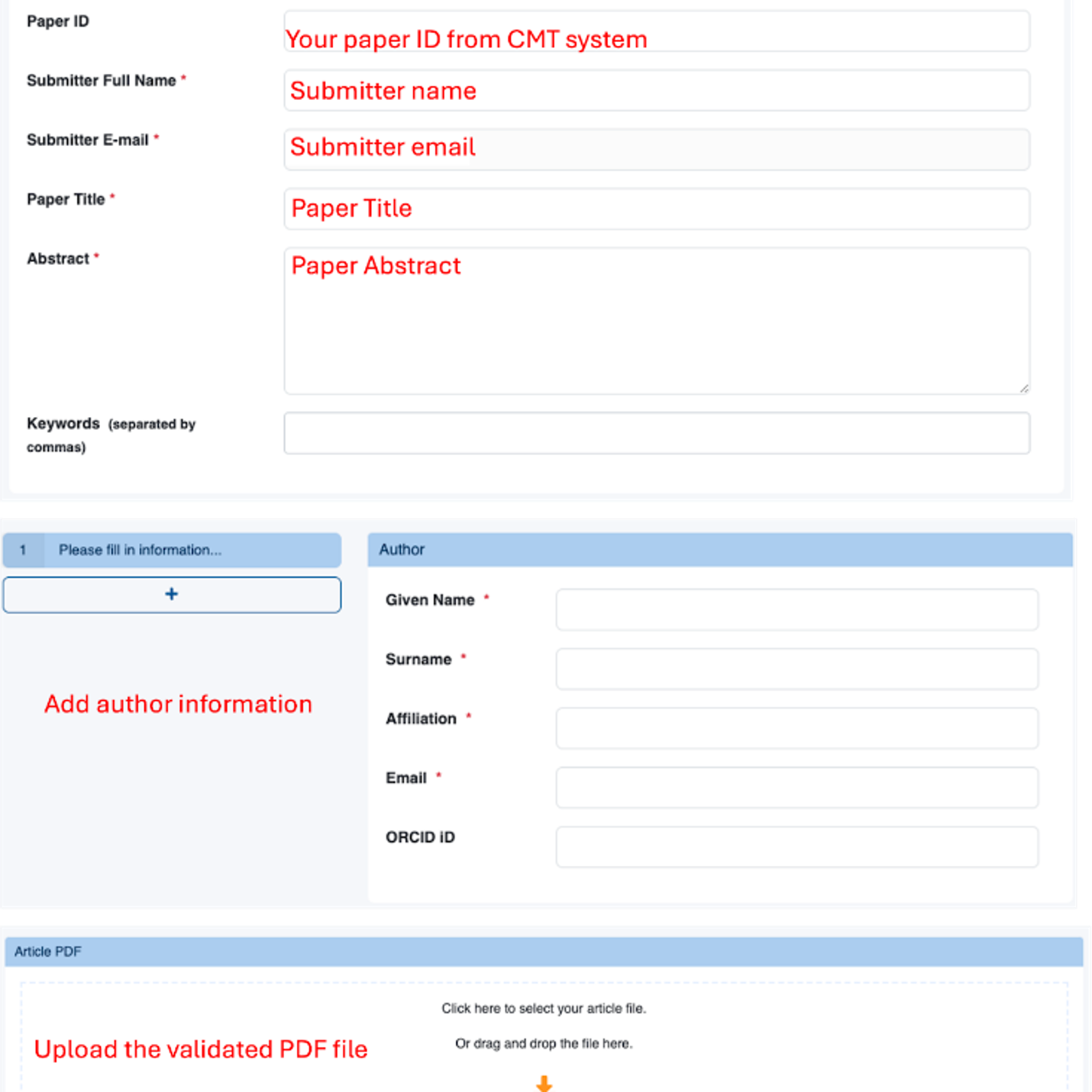
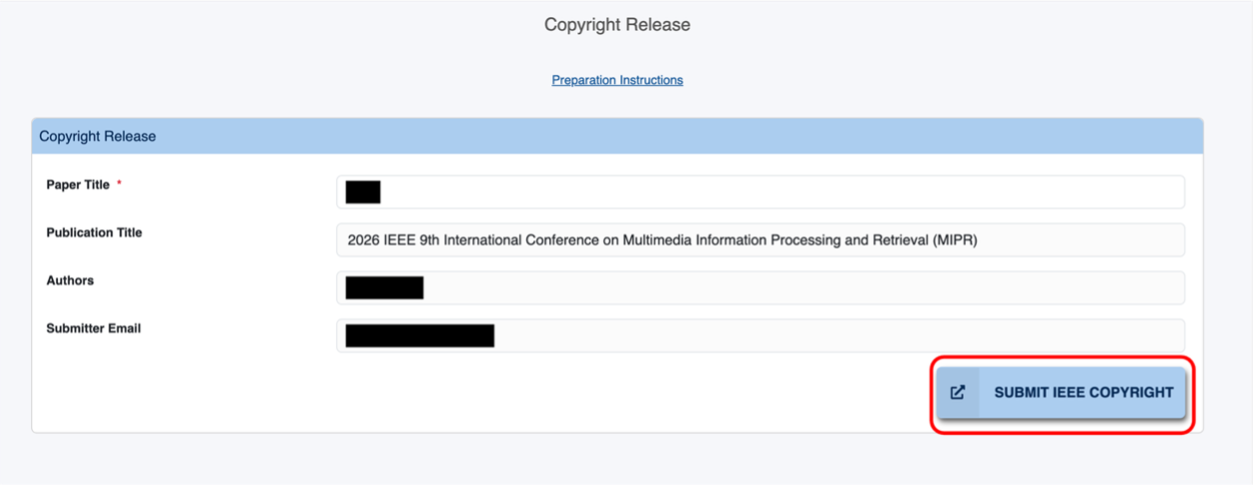
Click on the “Submit IEEE Copyright” button. You will be redirected to the IEEE website for electronic copyright form submission. Follow the instructions on the screen and reply to all questions.
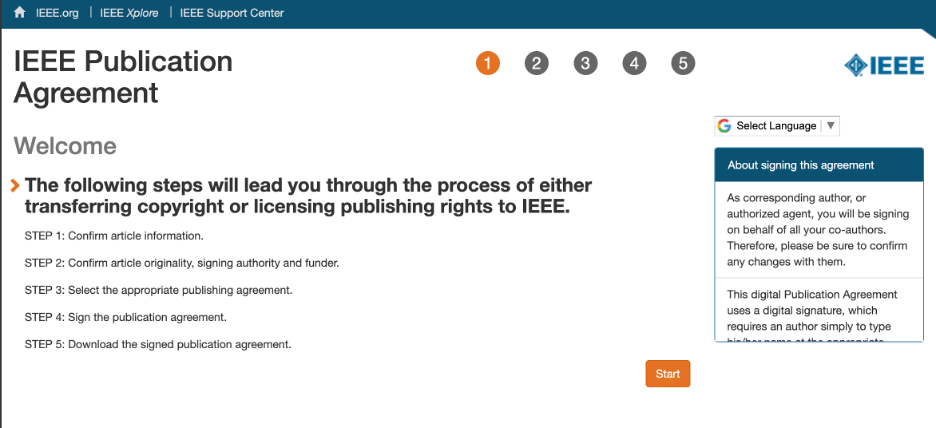
At the end of this procedure, the online IEEE copyright transfer form will be displayed. Please write the date and your name at the bottom of the copyright form and submit it. A copy will be sent to you by email.
Proceed through the final submission on the IEEE CPS website and ensure that all steps are finished and the progress bar has reached 100%.
If you have any questions about the above steps, please contact the publication chair: Supatta Viriyavisuthisakul (supatta.viri[AT]kmutt.ac.th).